Feature sections often contain short labels: automation, collaboration, analytics, integrations. These labels help readers scan, but they are too broad to establish behavior. Two products may both advertise automation while supporting very different triggers, actions and permissions. Your task is to move from the category to the mechanism.
Start with the purpose statement you established earlier. Then choose one capability that directly supports that purpose. Reading every label at once makes it easy to confuse breadth with usefulness. A smaller, well-explained sequence usually tells you more than a long inventory of nouns.
Translate the feature into a sequence
Use four questions: What starts the action? What information goes in? What does the software do? What comes out? For a notification, the trigger may be a change to an item; the output may be a message to a selected channel. For a design prototype, the input may be linked frames and interactions; the output is a navigable demonstration of a proposed flow.
GitHub Actions provides a concrete example of why sequence matters. A workflow is configured through a YAML file, responds to specified events and runs jobs. The word “automation” alone does not explain that relationship. A product overview can introduce the idea; the official workflow documentation supplies the mechanics needed to understand it more precisely.
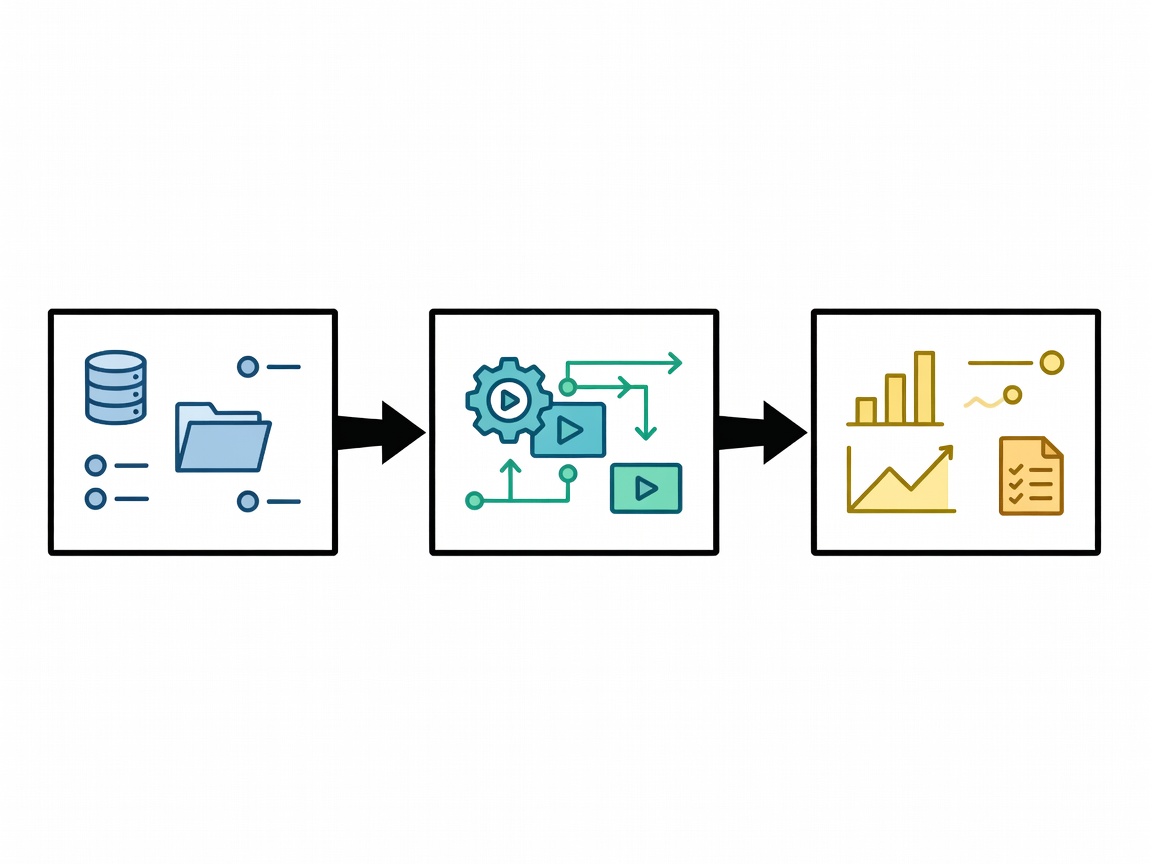
Look for the relationship between features
Capabilities become understandable when the page shows how they work together. Notion’s database documentation, for example, distinguishes entries, properties and views. Those elements should not be read as unrelated advantages. They describe different parts of an organizing system: the information, its attributes and the way it is displayed.
Similarly, a GitHub repository, pull request and Actions workflow occupy different places in a development process. A reader benefits from knowing that relationship before comparing feature counts. A page that only places all three labels in adjacent boxes has organized its presentation, but has not necessarily explained the workflow.
Slack Workflow Builder and Zapier are also useful reference points for studying triggers and actions. Their presence here is not a recommendation. They illustrate why an automation explanation should identify the event, the connected systems and the resulting operation rather than relying on a broad promise to save time.
Distinguish images from specifications
A screenshot can show labels, hierarchy and the apparent state of an interface. It cannot reliably establish every interaction that follows. A button shown in an image does not prove its keyboard behavior, its permission requirements or its availability on a particular plan. A simplified product illustration establishes even less about the working software.
Captions should help the reader understand what an image demonstrates. “A database shown in a calendar view” is more informative than “work your way.” If a visual is conceptual, treat it as conceptual. Do not assume that decorative sample data describes a real customer, a typical deployment or an actual outcome.
Check dependencies and qualifications
Integrations require particularly careful reading. “Works with Salesforce” might refer to a built-in connector, an app listed in a marketplace or a workflow assembled through another service. Those arrangements have different setup responsibilities. Consult documentation to identify what data moves, in which direction and under whose permissions.
AI-related features need the same discipline. A label such as “AI assistant” does not establish which tasks are supported, which inputs are used or how outputs are reviewed. Product names such as Notion AI and GitHub Copilot identify offerings; they do not remove the need to inspect task-specific documentation and stated limitations.
| Label | Ask next | Useful support |
|---|---|---|
| Automation | What event starts which action? | A documented trigger-and-action sequence |
| Integration | Which information moves, and how? | Setup instructions and permission requirements |
| Analytics | What is measured and how is it defined? | Metric definitions and an explained report |
| Collaboration | Who can do what in the shared space? | Roles, permissions and a concrete interaction |
Record uncertainty without filling the gaps
Write “requires documentation review” when the product page stops short of the details. Avoid silently replacing missing information with assumptions drawn from another tool. Familiarity is helpful for forming questions, but it is not evidence that two products behave alike.
Your finished feature record should include a concrete action, the relevant input and output, a known dependency and the source. That record can then be used to assess supporting evidence. You will know exactly which claim needs to be checked, instead of judging the visual confidence of the page.