Read a SaaS product page beyond the headline
What this guide examines
Determine what the software does, whether its claims are supported and whether its information is accessible. A polished interface is a starting point, not a conclusion.
Read guide
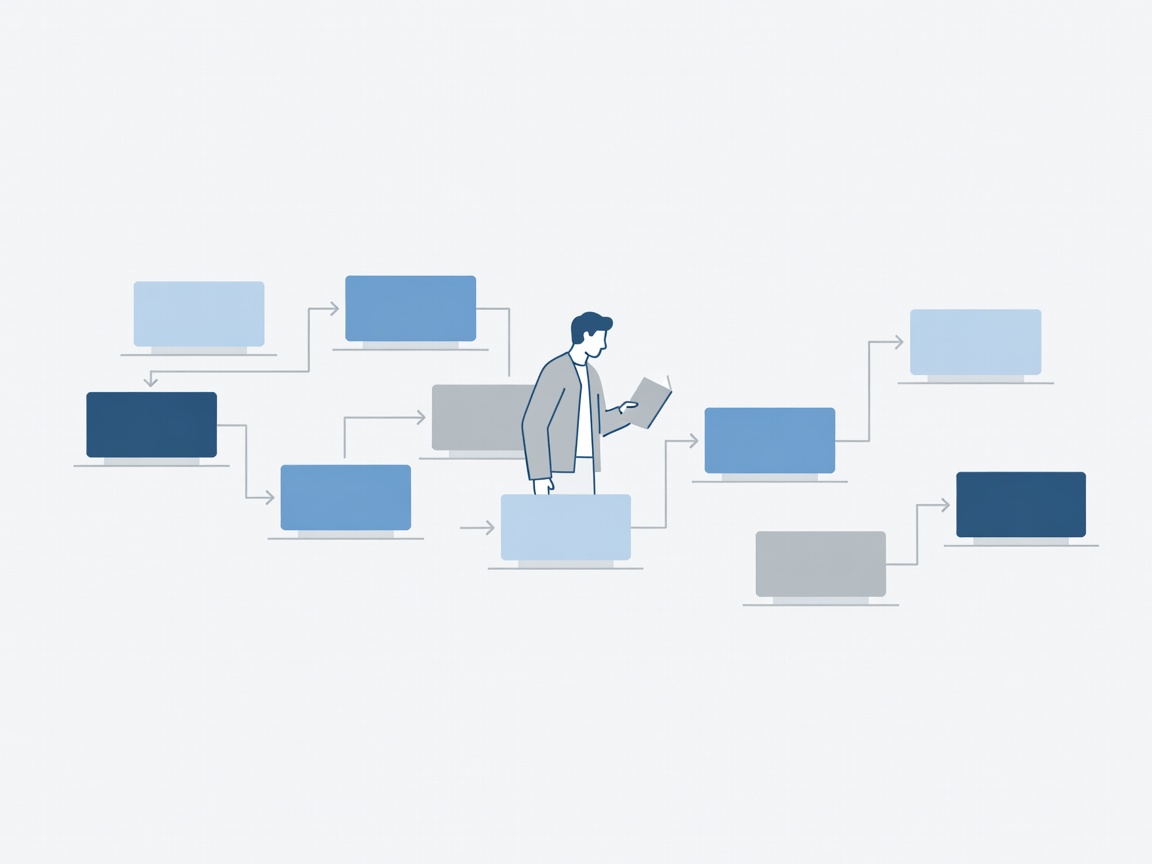
Interface illustrations are explanatory vectors, not screenshots of the products discussed. See our illustration notes.
First, follow the reader’s questions
Software as a service, or SaaS, is software delivered as an ongoing service. Its product page usually introduces a problem, an approach and a next step. Those three elements are not always equally clear.
Read in the order that reduces uncertainty. Establish the job before studying individual capabilities; understand a claim before judging its evidence.
What is it for?
Identify the intended user, practical task and boundaries of the product.
How does it work?
Translate feature labels into actions, inputs, outputs and dependencies.
What supports the claim?
Separate demonstrations, customer accounts and measured findings.
Who can read and use it?
Check navigation, language, contrast, alternatives and interactive controls.
How real products explain themselves
Slack, Notion, Figma and GitHub offer useful comparisons because their product categories differ. Messaging, flexible workspaces, collaborative design and software development require different explanations.
Use these examples to study communication choices, not to infer which product is best. Public pages change; the official resources below let you inspect the explanation yourself.
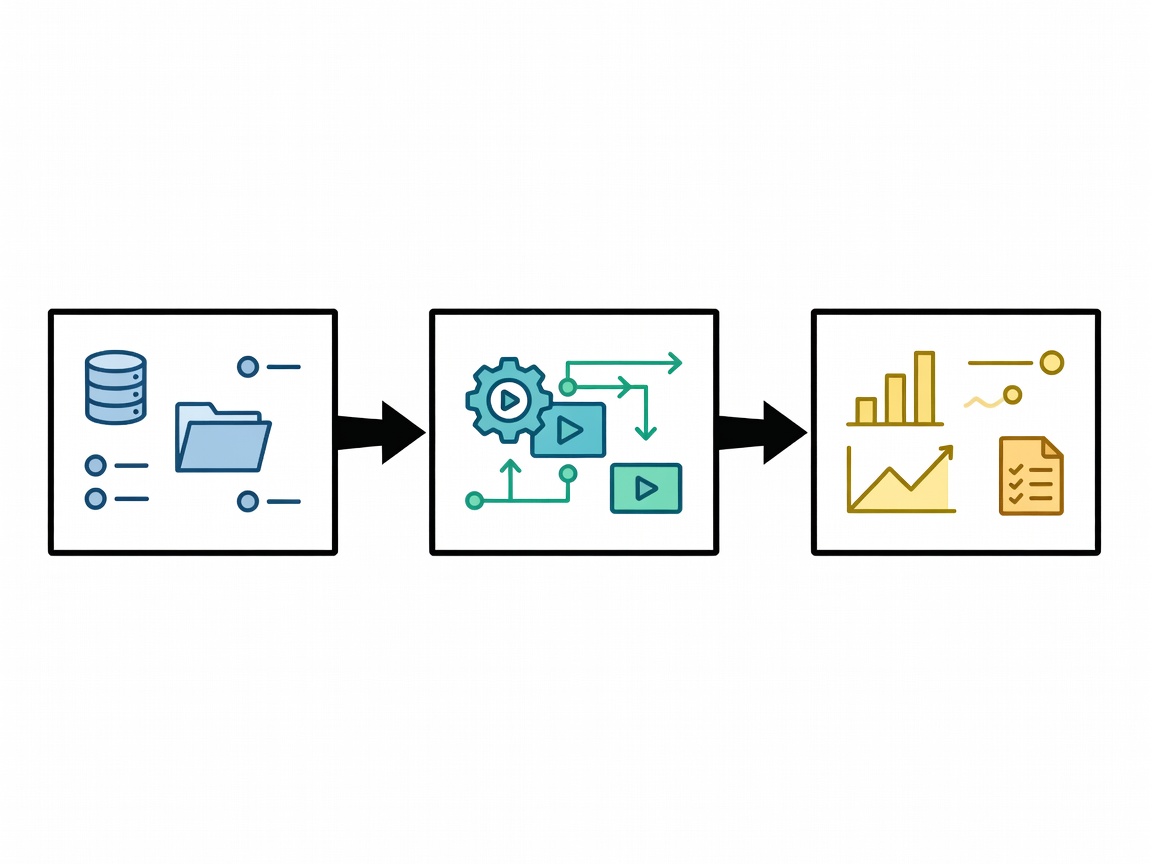
Slack: a channel as a concrete organizing idea
Read how channels group conversations. Distinguish that mechanism from broader promises about teamwork.
Notion: distinguish pages from databases
A flexible workspace needs examples that explain its building blocks, not just the range of possible uses.
Figma: separate a design file from a prototype
The same visual canvas can support different activities. Look for what the reader can create and test.
GitHub: connect a repository to a workflow
A product family becomes clearer when repositories, pull requests and automation are described separately.
Separate evidence from assertion
An assertion tells you what to believe. Evidence gives you something to inspect, with enough context to decide what it supports.
- Write down the exact claim.“Supports single sign-on” and “makes teams more productive” require different forms of support.
- Locate the relevant source.Use documentation for mechanics, a defined study for measurements and a named account for experience.
- Record the limits.A demonstration does not establish typical outcomes. One customer’s experience does not describe every customer.
Details worth checking twice
Does a screenshot prove that a feature is available?
It illustrates an interface, but may not establish plan access, setup requirements or the exact behavior. Read the relevant documentation before treating it as a specification.
Is a customer logo evidence of a result?
No. A logo alone does not describe the relationship, deployment scope or outcome. Look for an attributable account with meaningful context.
Can a page look accessible and still have barriers?
Yes. Keyboard behavior, accessible names and meaningful reading order are not reliably judged from a screenshot. Inspect the working page.
Continue your investigation
Our approach favors inspectable sources, careful wording and explicit uncertainty. If an explanation is unclear or a reference changes, prepare a correction with the page address and the passage you mean.